Window Tint Simulator
To see how window tint will look on your car, upload a photo to Car AI and preview different darkness levels — from a light factory look to a dark limo tint — applied to your exact car so you can choose a shade before visiting a tint shop.
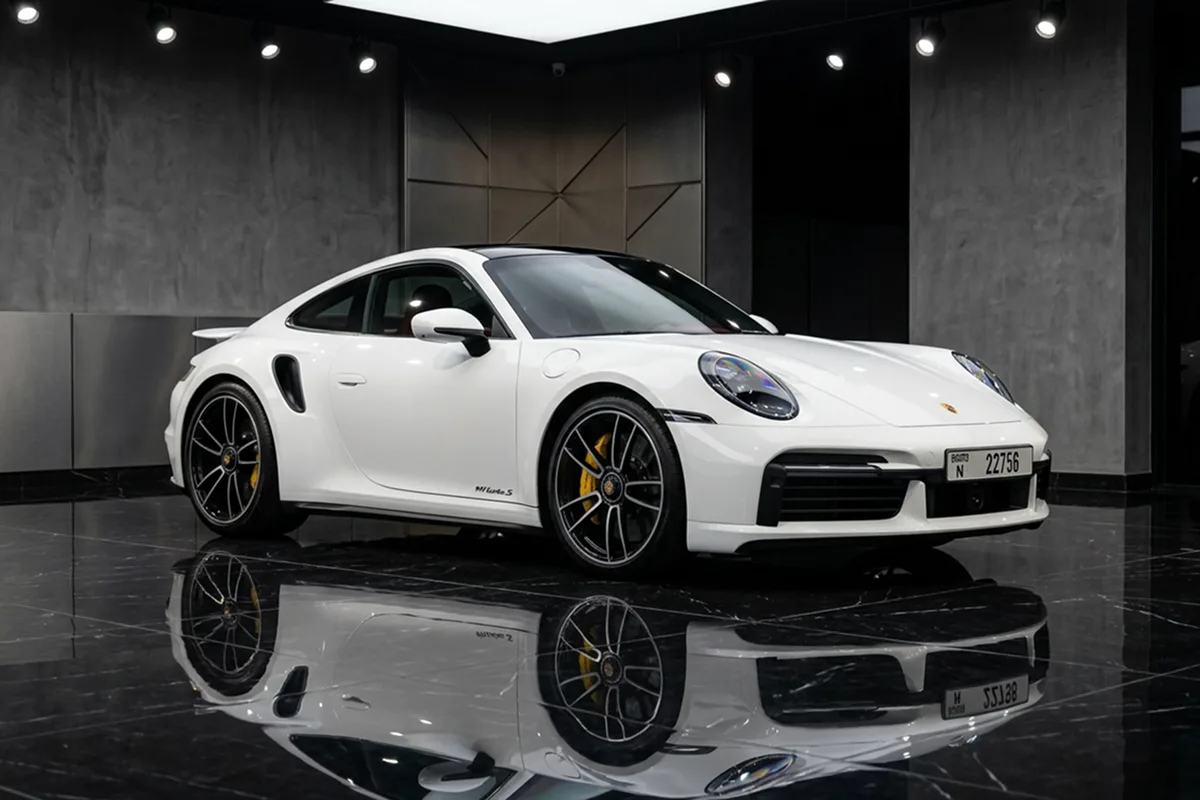
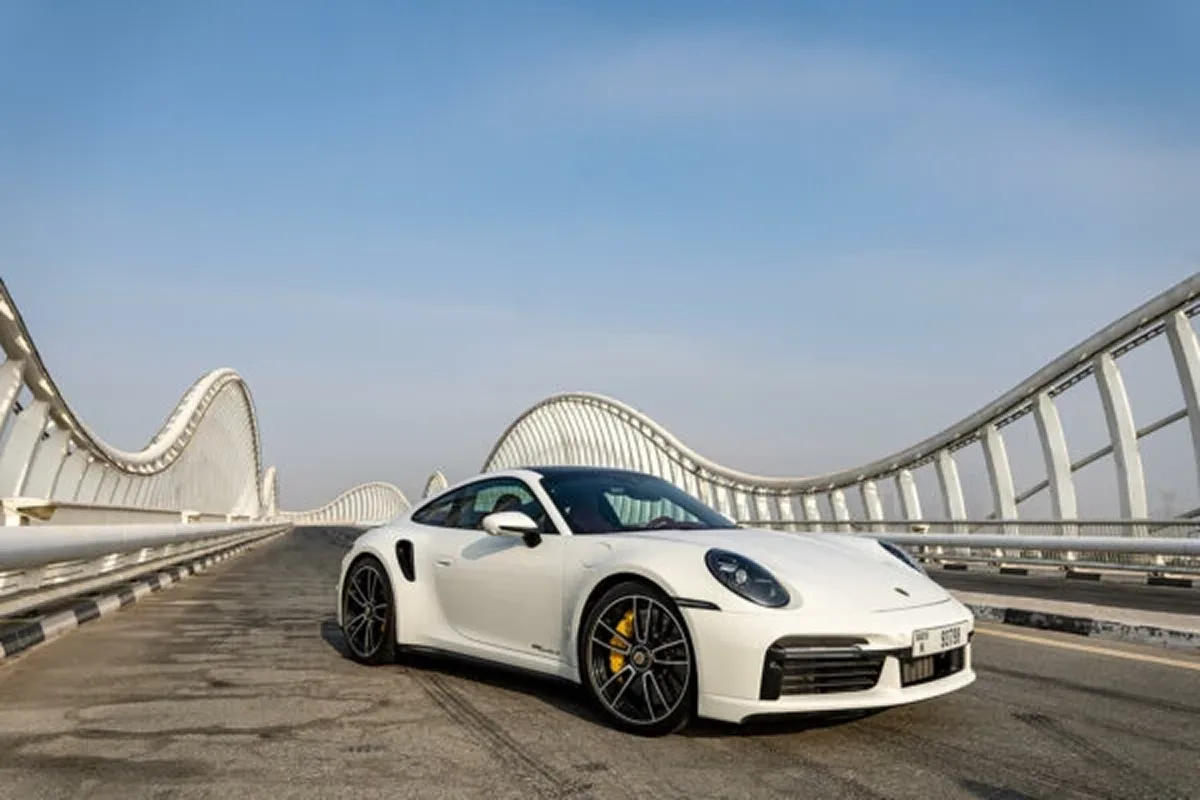
Tint darkness dramatically changes a car's character, but it's hard to picture the difference between, say, a 35% and a 20% tint from numbers alone. Car AI lets you preview tint on your own car so the choice becomes visual instead of abstract.
Compare a subtle factory-style tint against a dark, aggressive look, and see how each reads with your paint color before you book an appointment.
Important: this is a styling preview only. Legal tint limits (VLT%) vary by country and state and apply to different windows differently — always check your local law before tinting. See our window tint guide for a reference.
Light to limo
Preview the full range of tint darkness.
Your paint
See how a shade pairs with your car's color.
Decide first
Pick a look before the appointment.
Window Tint — FAQ
Can I preview window tint darkness on my car?
Yes. Upload a photo and Car AI previews different tint levels — from light to dark limo tint — on your exact car so you can pick a shade before tinting.
Does the app know my local tint laws?
No. The preview is for styling only. Legal tint limits (VLT%) differ by region and by window, so always check your local law before tinting. Our window tint guide is a helpful starting point.
Related mods
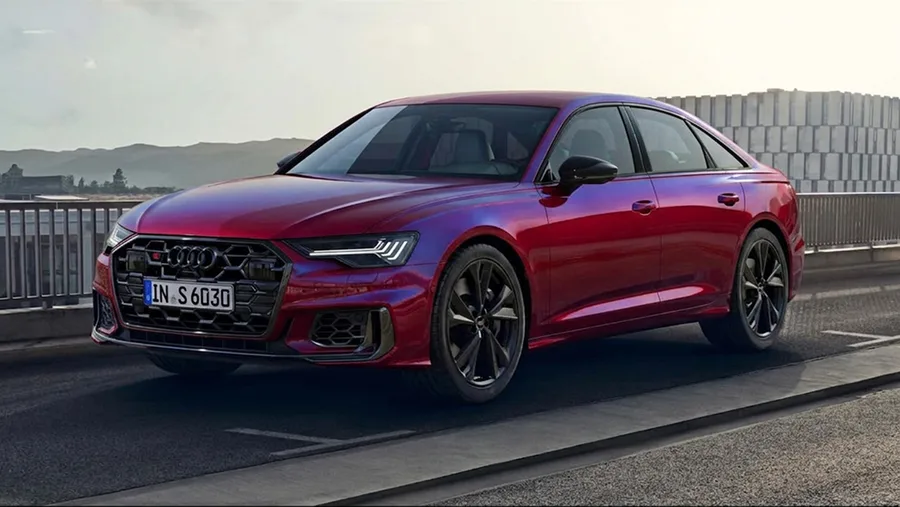
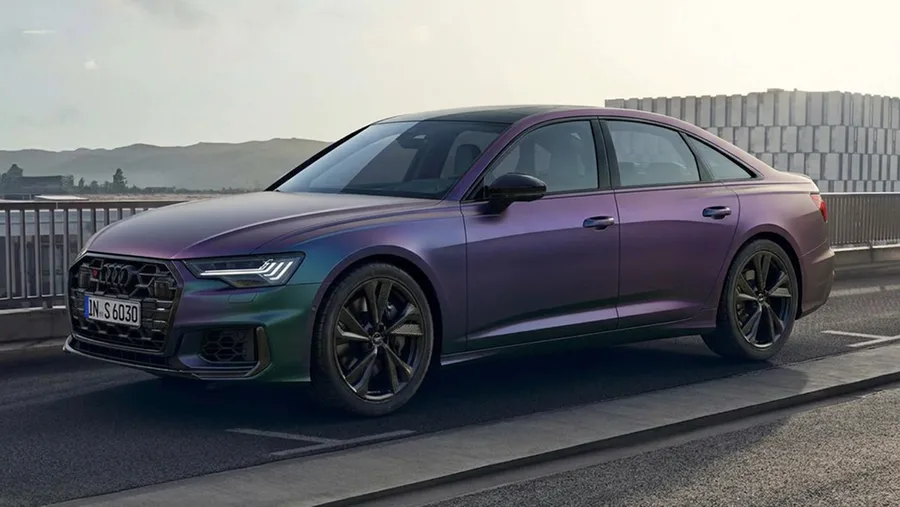
Preview window tint on your own car
Download Car AI and start with a photo of your car — free to try on iOS.