Cambiador de Pintura y Color de Auto con IA
Para probar cómo se ve tu auto con un nuevo color, sube una foto a Car AI, elige un color o acabado, y la app repintará tu auto de forma fotorrealista en segundos. Así podrás ver el resultado antes de pagar por un repintado o un vinilo.
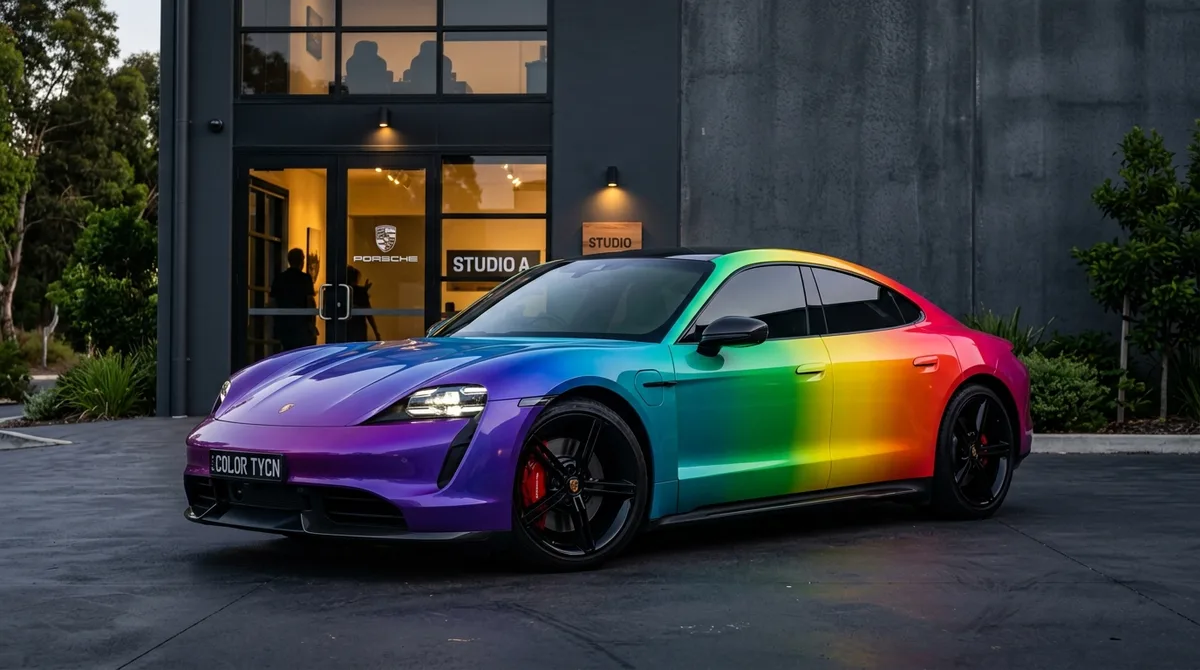
Elegir el color de un auto con una muestra o viendo la foto de otro auto nunca te dice cómo se verá en tu propio auto, en tu cochera y con tu luz. Car AI resuelve esto aplicando el color directamente a una foto de tu vehículo, manteniendo su forma, reflejos y entorno intactos mientras cambia solo la pintura.
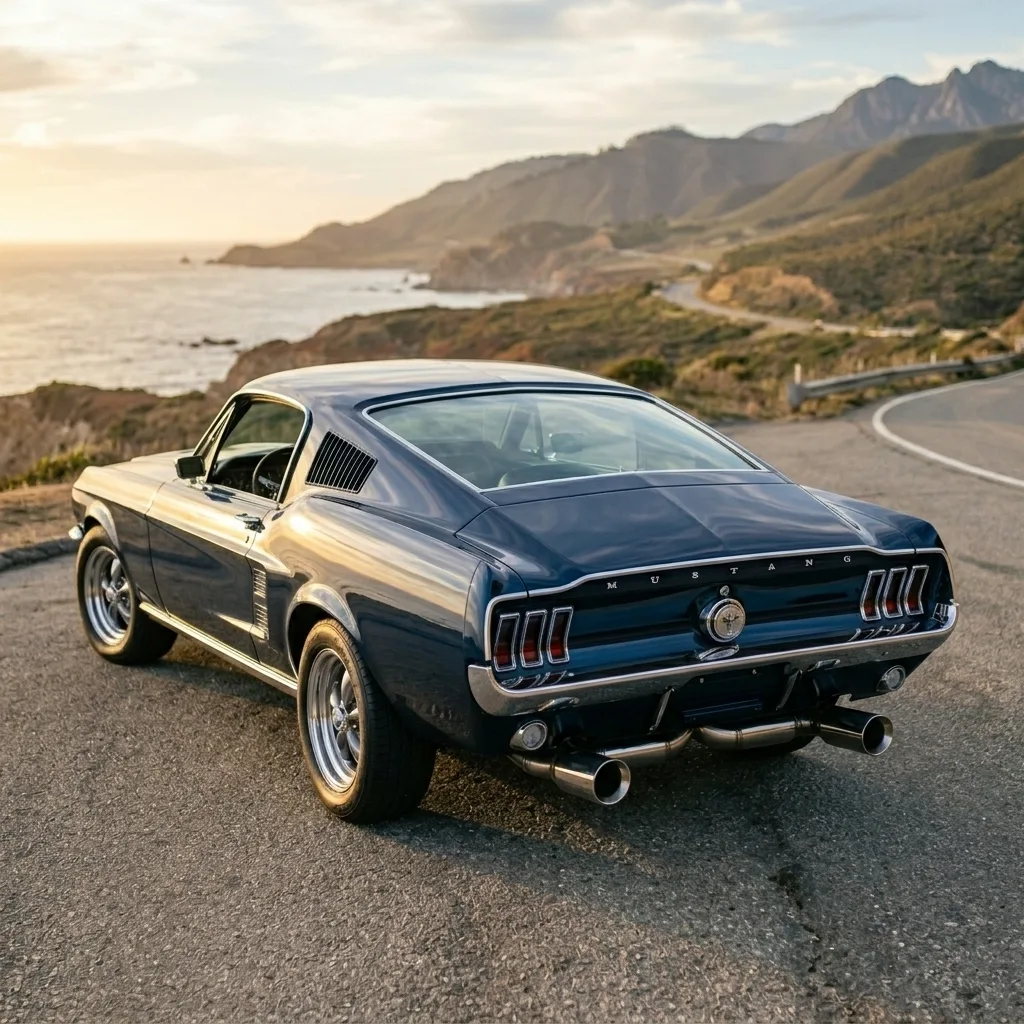
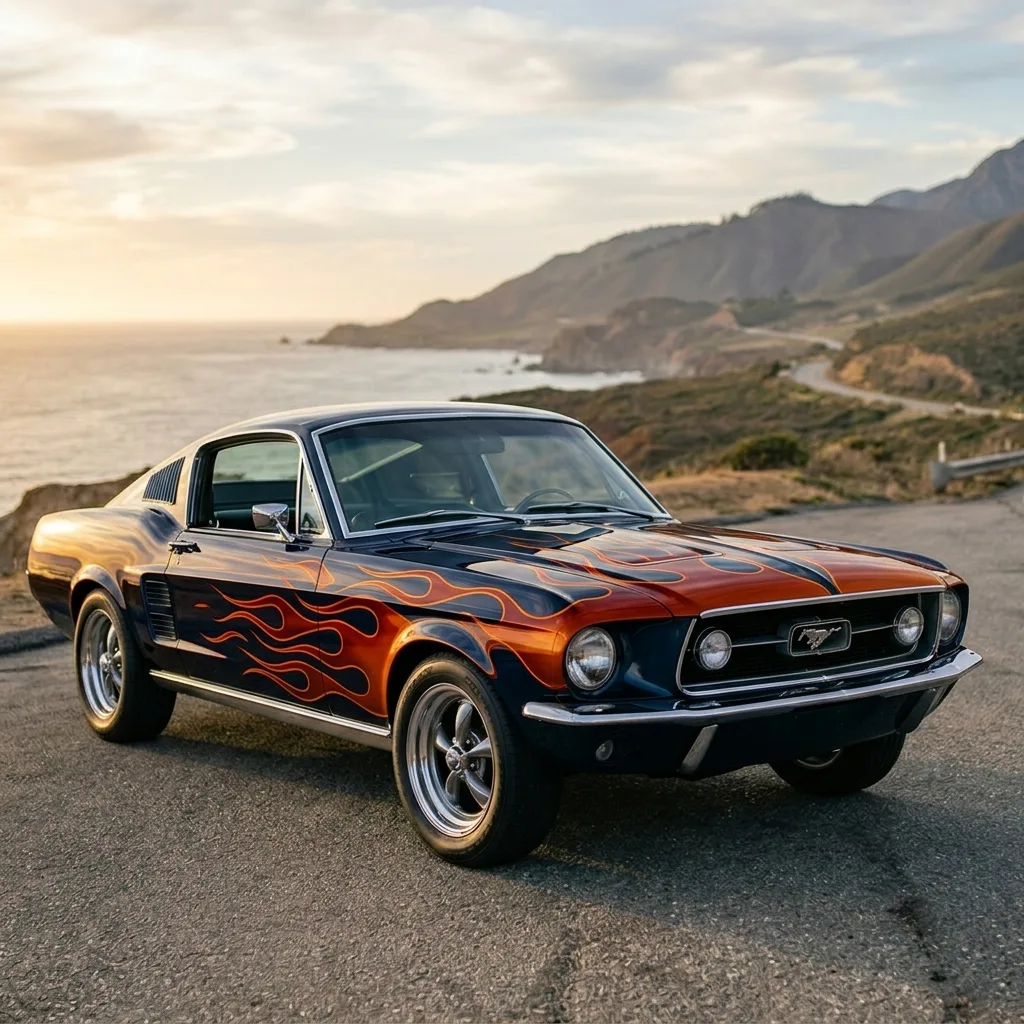
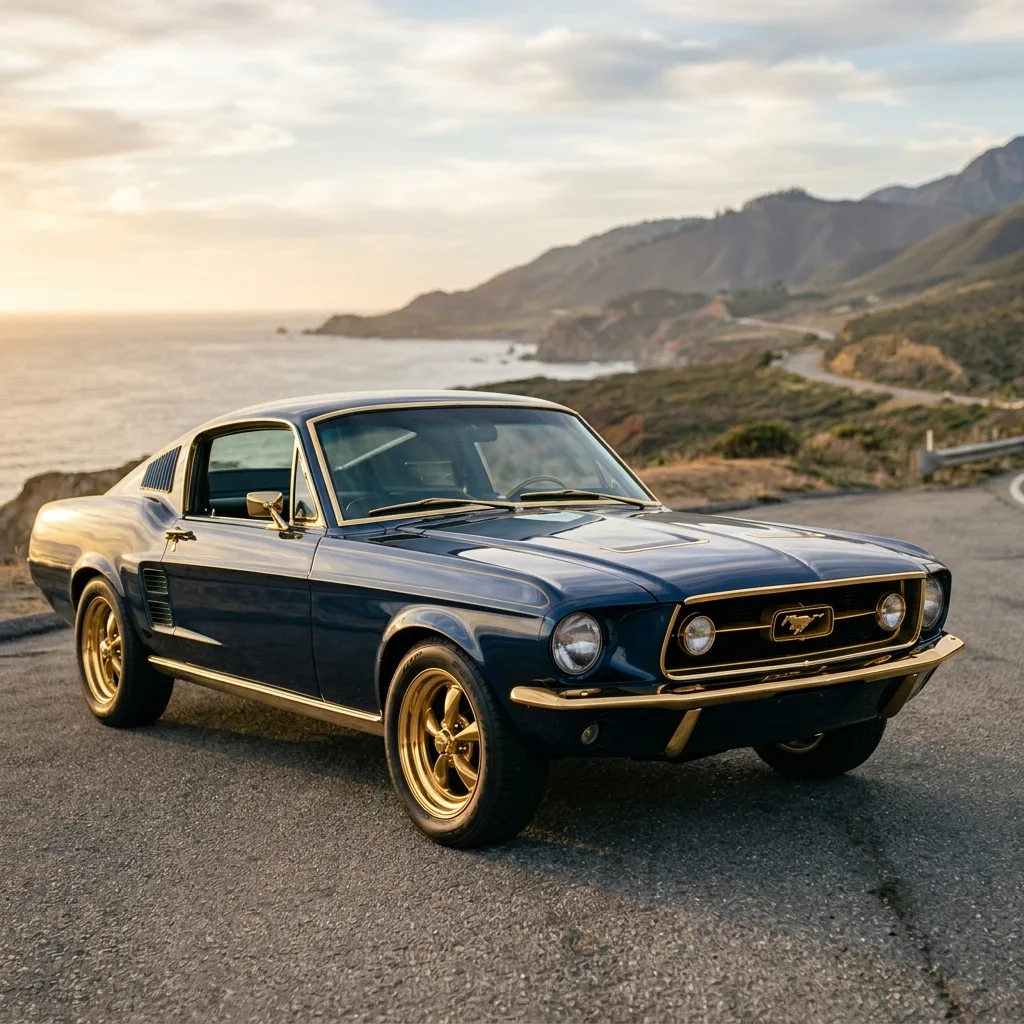
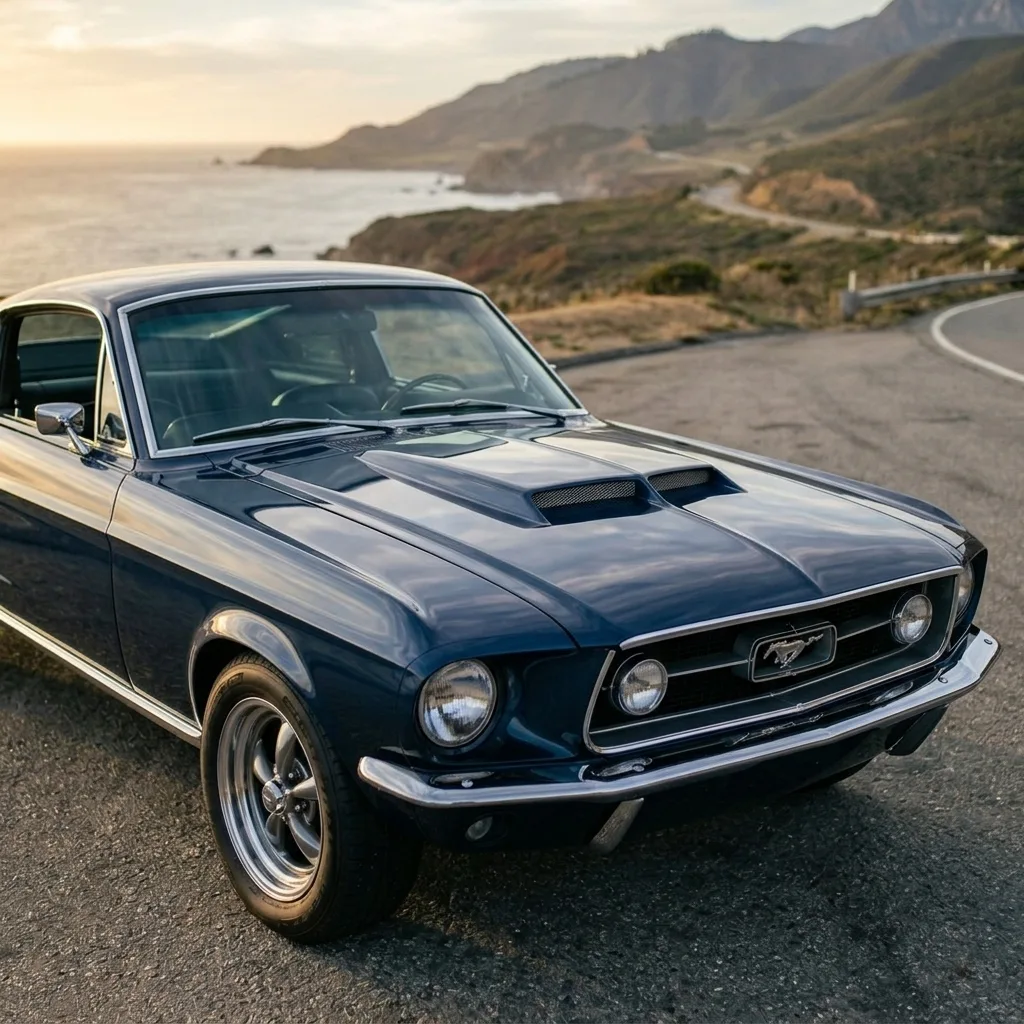
Puedes probar acabados brillantes, mate, satinados y metálicos, optar por algo sutil con un estilo de fábrica, o atreverte con colores personalizados y bitono. Como el resultado es fotorrealista, es realmente útil para tomar una decisión: compara tres colores uno al lado del otro y lleva el ganador a tu taller.
Los resultados son previsualizaciones para guiar una decisión real, no réplicas exactas de códigos de pintura. La iluminación de tu foto original afecta el resultado final, por lo que una foto de perfil o de tres cuartos, nítida y bien iluminada, te dará la previsualización más confiable.
Cualquier acabado
Aspectos brillantes, mate, satinados, metálicos y perlados.
Tu propio auto
El color se aplica a tu foto, no a un modelo genérico.
Compara opciones
Genera varios colores y elige con seguridad.
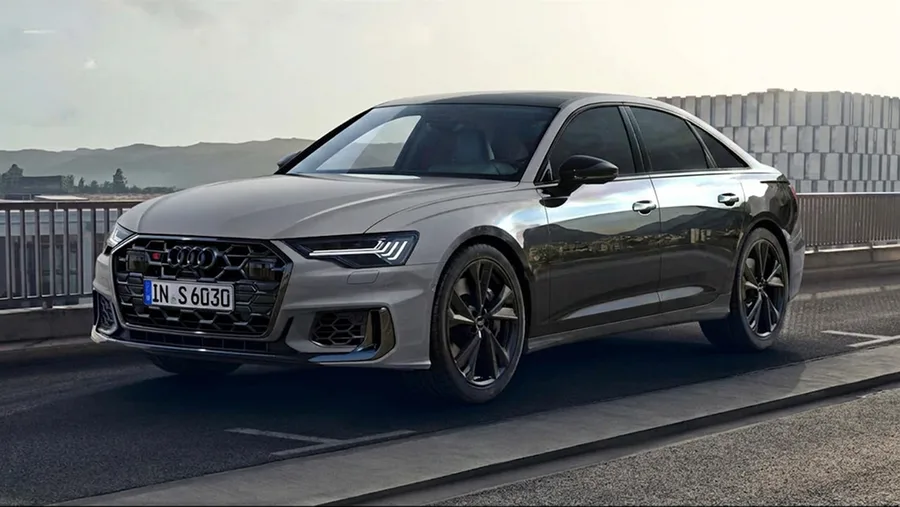
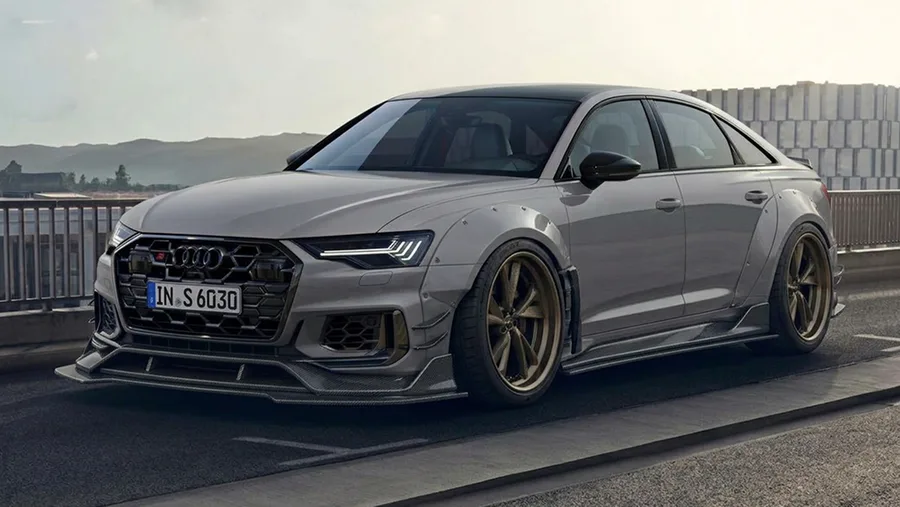
Ejemplos de Pintura y Color
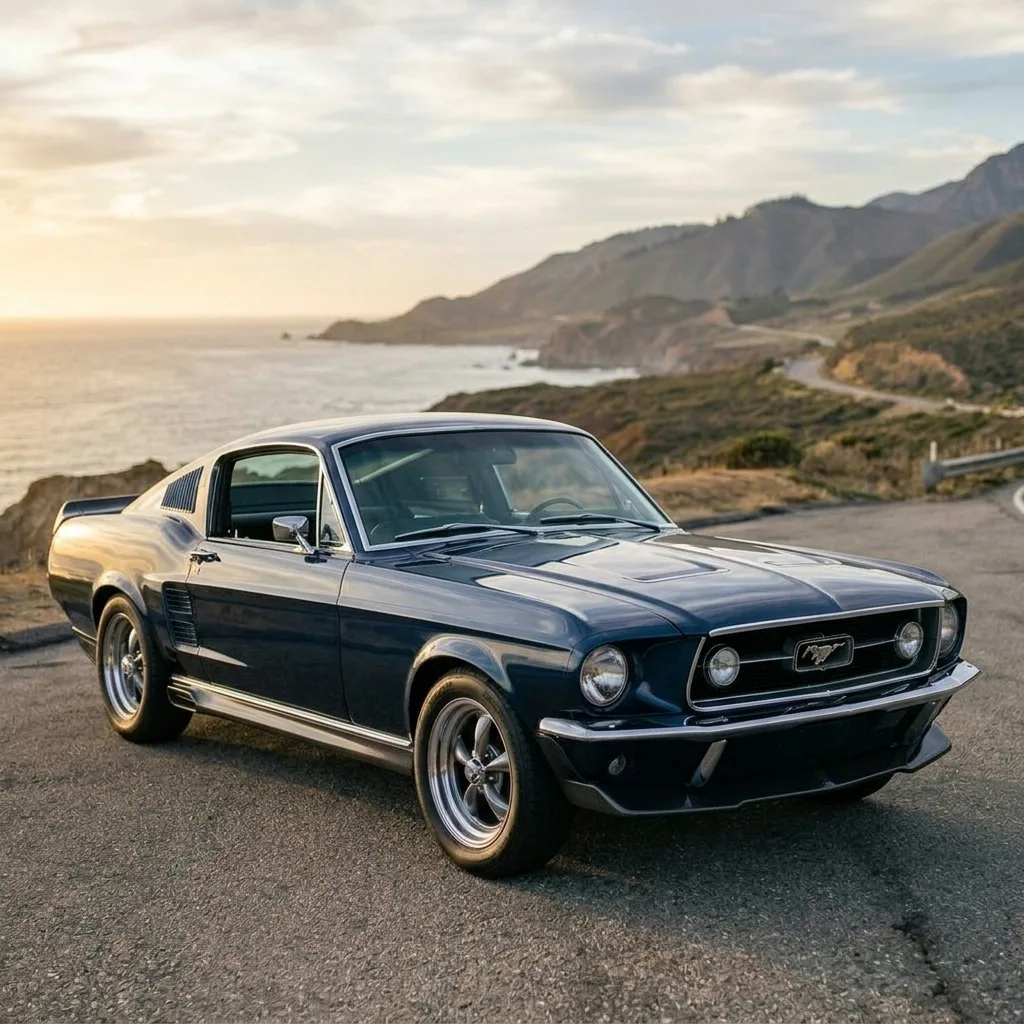
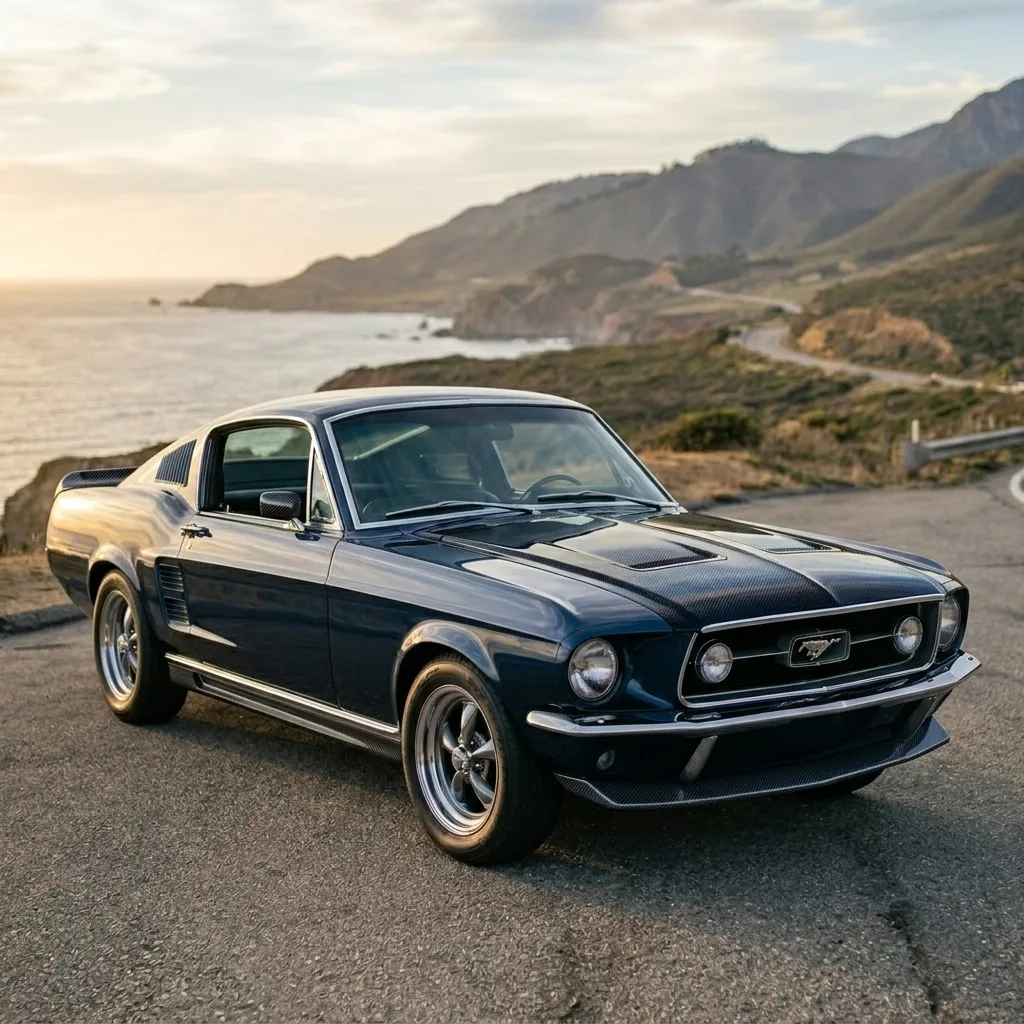
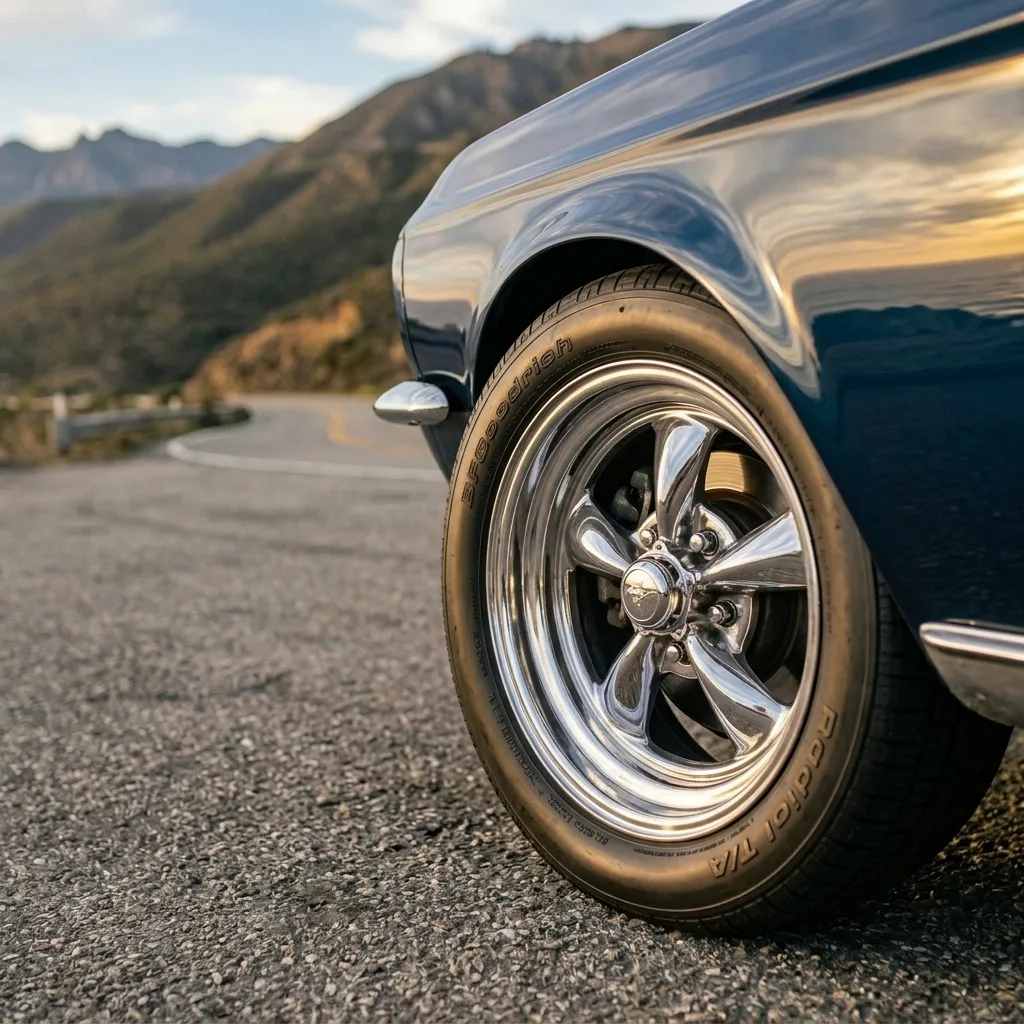
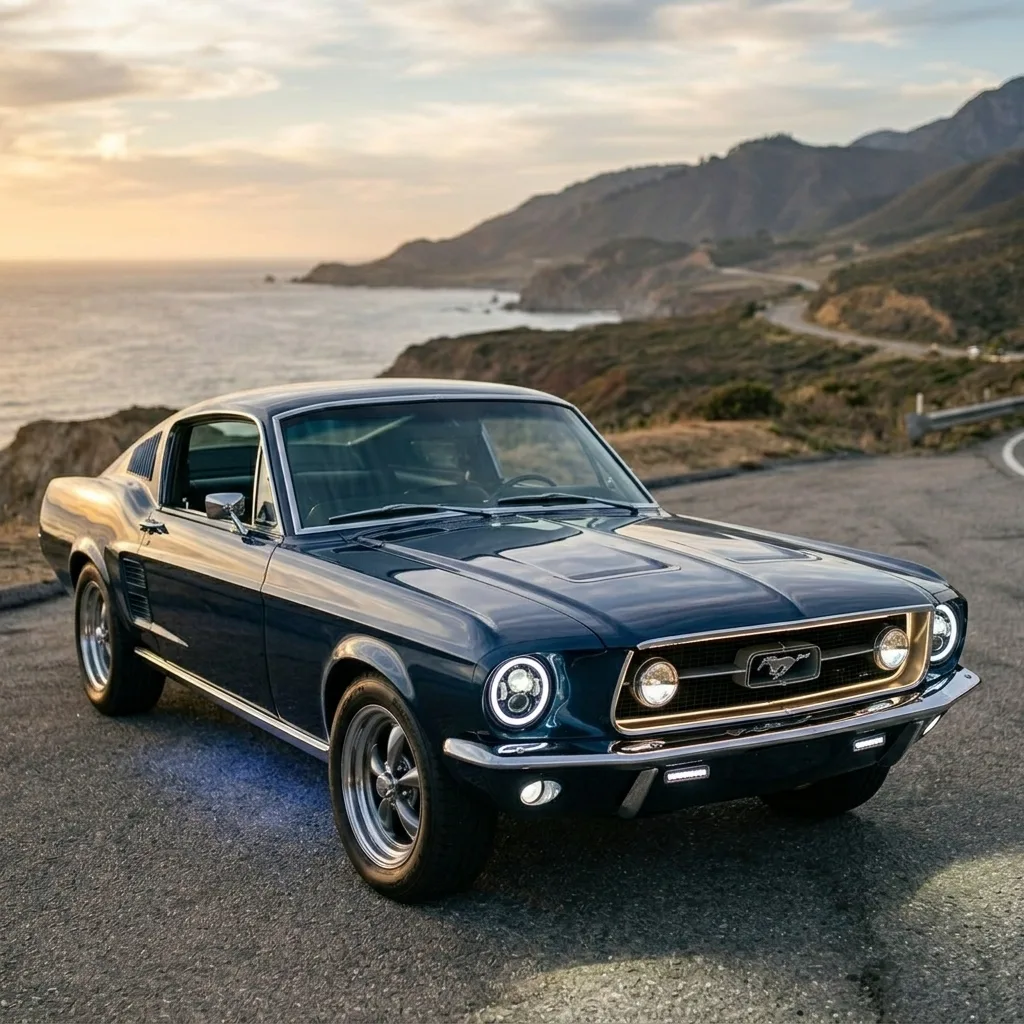
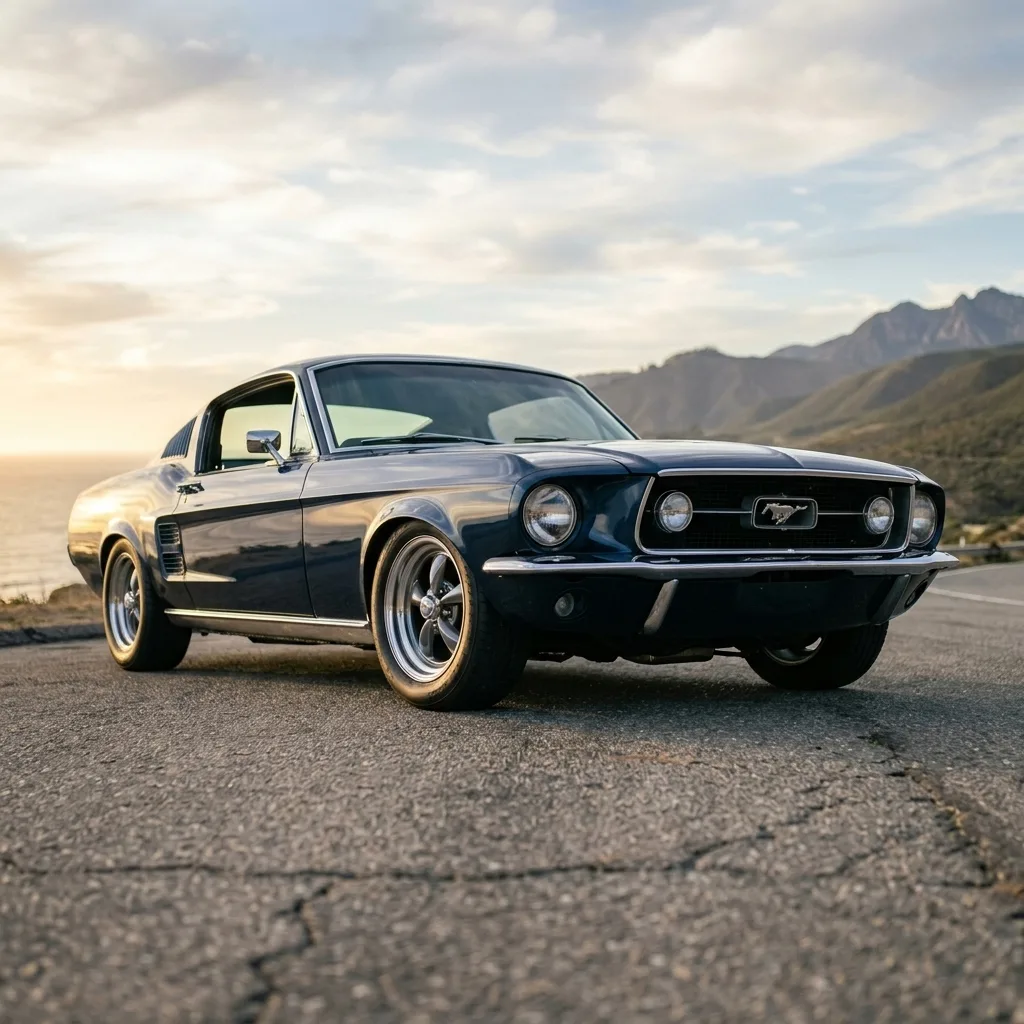
Pintura y Color — Preguntas frecuentes
¿Puedo probar cualquier color de pintura en mi propio auto?
Sí. Sube una foto de tu auto, elige un color y acabado, y Car AI repinta tu vehículo de forma fotorrealista. Puedes probar tantos colores como quieras para comparar antes de decidirte por un repintado o un vinilo.
¿Es compatible con acabados mate y metálicos?
Sí, puedes previsualizar acabados brillantes, mate, satinados, metálicos y perlados, además de estilos personalizados y bitono.
¿El color es una réplica exacta del código de pintura?
No. El resultado es una previsualización fotorrealista para ayudarte a decidir, no un render calibrado del código de pintura. Lleva el diseño que elegiste a un taller para que logren un color exacto.
¿Qué tipo de foto funciona mejor?
Una foto de perfil o de tres cuartos del auto completo, que sea nítida y esté bien iluminada, da el resultado más confiable. Evita las sombras muy marcadas o las fotos parciales.
Mods relacionados
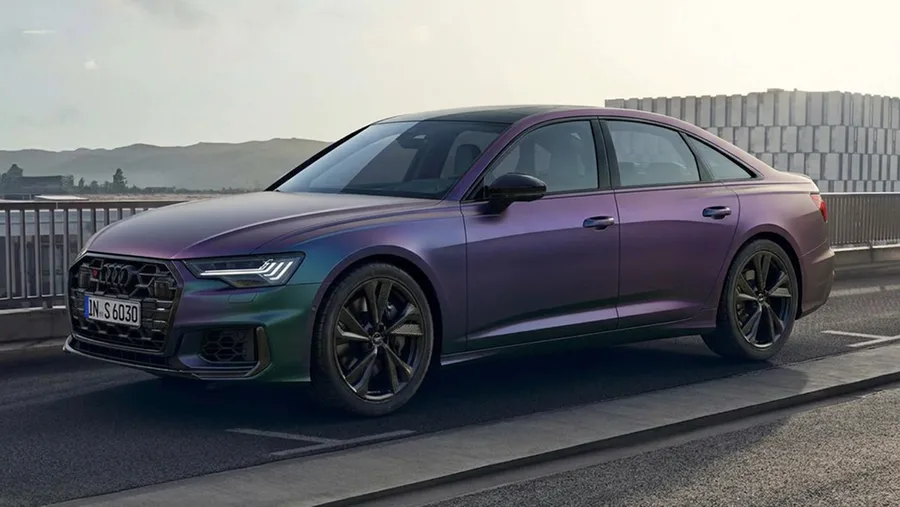
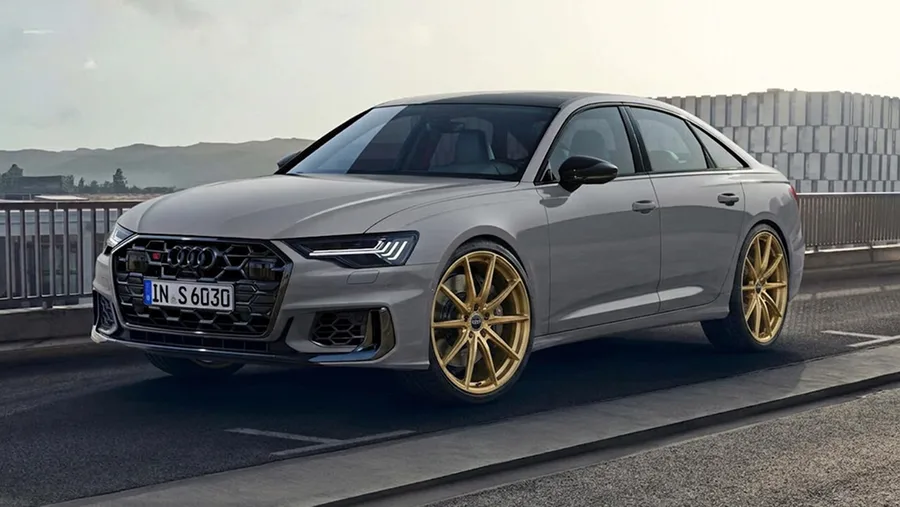
Visualiza Pintura y Color en tu propio auto
Descarga Car AI y empieza con una foto de tu auto. Pruébala gratis en iOS.