Simulateur de vitres teintées
Pour voir le rendu des vitres teintées sur votre voiture, importez une photo dans Car AI et prévisualisez différents niveaux d'opacité — d'une teinte claire d'origine à une teinte très foncée — appliqués sur votre propre voiture afin de choisir une teinte avant de vous rendre chez un professionnel.
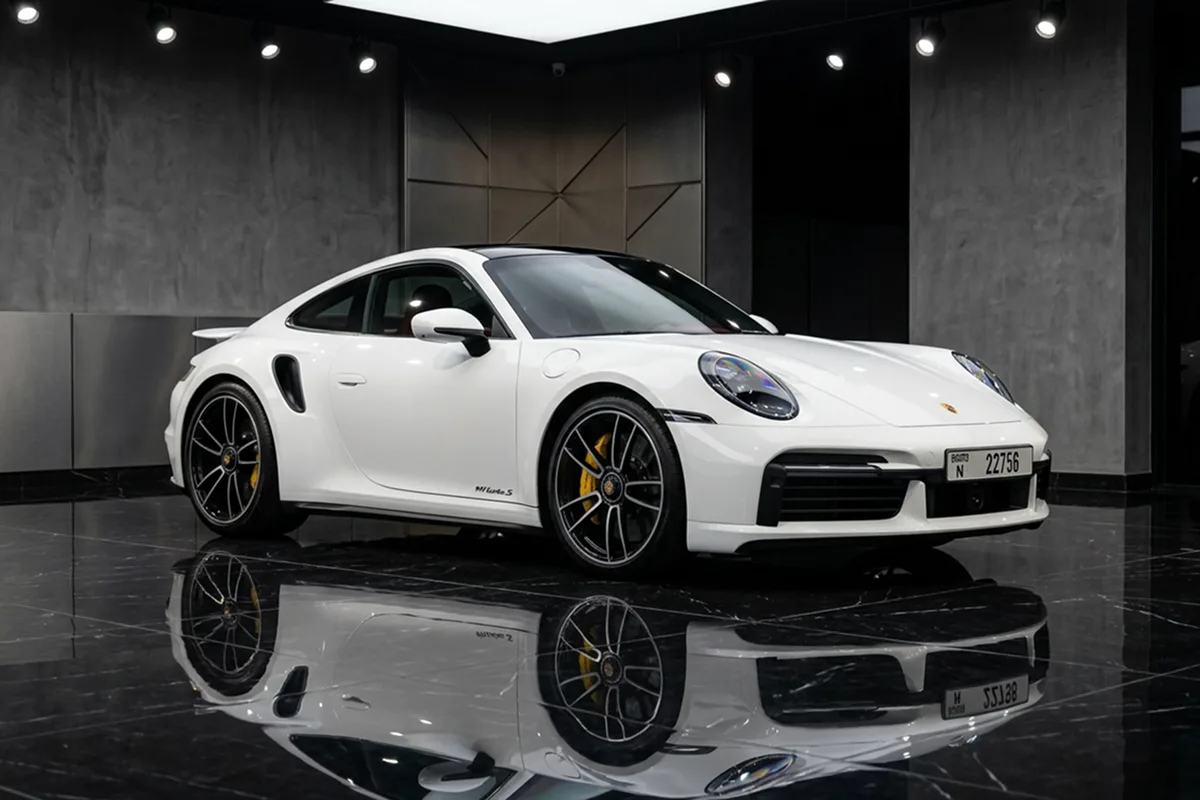
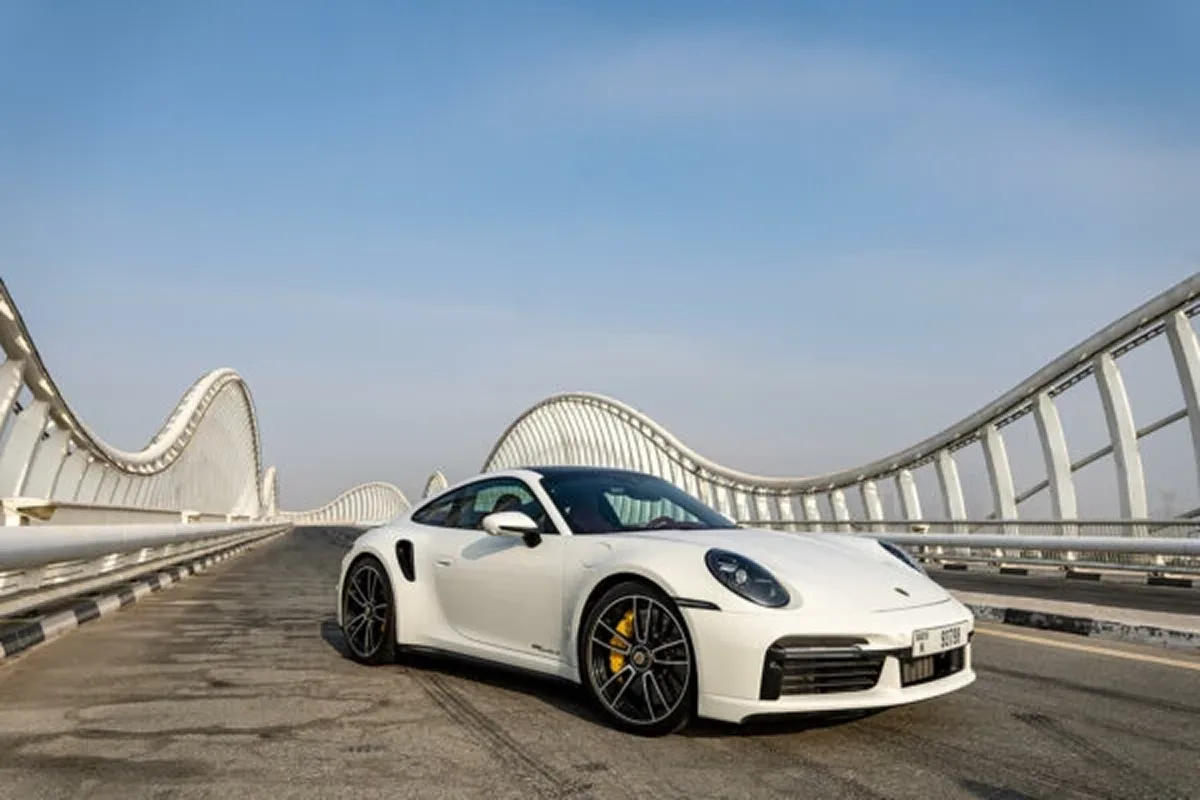
L'opacité des vitres teintées change radicalement le caractère d'une voiture, mais il est difficile de visualiser la différence entre, disons, une teinte à 35% et une à 20% avec de simples chiffres. Car AI vous permet de prévisualiser les teintes sur votre propre voiture pour que votre choix devienne visuel et non plus abstrait.
Comparez une teinte subtile de style origine avec un look sombre et agressif, et voyez comment chacune s'accorde avec la couleur de votre carrosserie avant de prendre rendez-vous.
Important : ceci est uniquement un aperçu stylistique. Les limites légales de teinte (VLT%) varient selon les pays et les régions et s'appliquent différemment selon les vitres — vérifiez toujours la législation locale avant de faire teinter vos vitres. Consultez notre guide sur les vitres teintées pour référence.
De clair à opaque
Prévisualisez toute la gamme d'opacité des teintes.
Votre carrosserie
Voyez comment une teinte s'accorde avec la couleur de votre voiture.
Choisissez avant
Choisissez un style avant le rendez-vous.
Vitres teintées — FAQ
Puis-je prévisualiser l'opacité des vitres teintées sur ma voiture ?
Oui. Importez une photo et Car AI prévisualise différents niveaux de teinte — de la plus claire à la plus foncée — sur votre propre voiture pour que vous puissiez choisir une teinte avant la pose.
L'application connaît-elle la législation locale sur les vitres teintées ?
Non. L'aperçu est uniquement à but stylistique. Les limites légales de teinte (VLT%) varient selon les régions et les vitres, donc vérifiez toujours la législation locale avant la pose. Notre guide sur les vitres teintées est un bon point de départ.
Modifications similaires
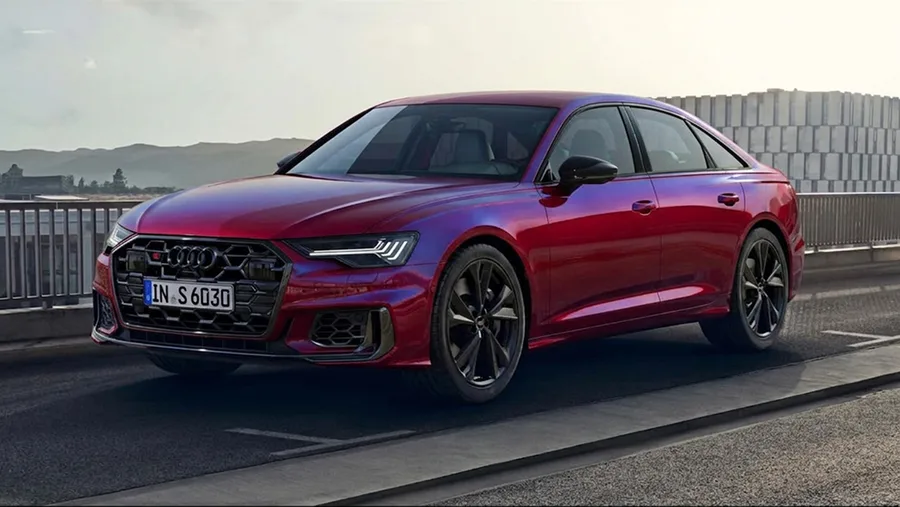
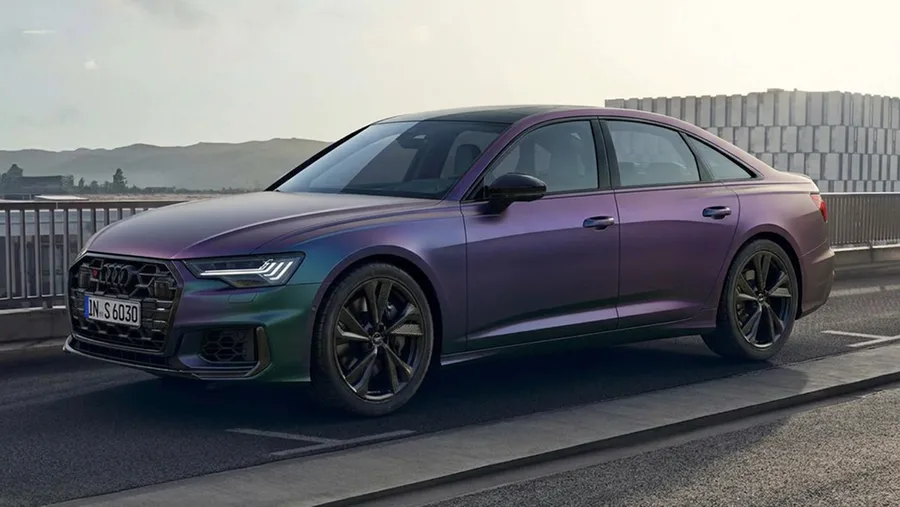
Prévisualisez Vitres teintées sur votre voiture
Téléchargez Car AI et démarrez avec une photo de votre voiture. Essai gratuit sur iOS.