So machen Sie Ihr Auto mit KI mattschwarz
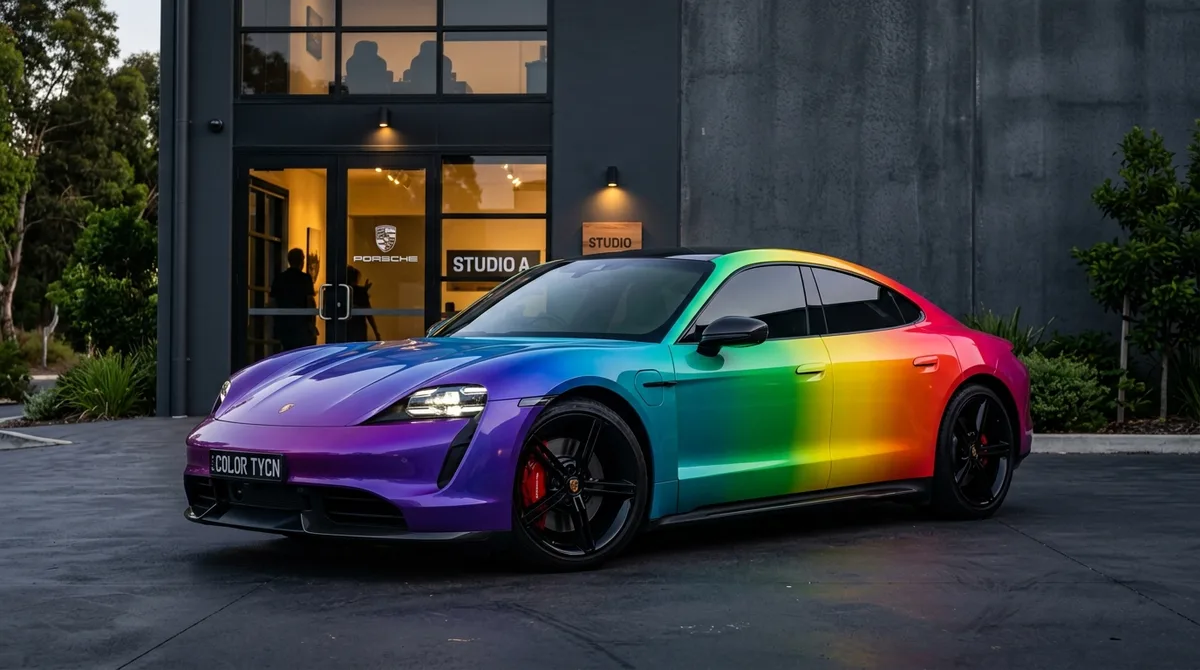
Um Ihr Auto mit KI mattschwarz zu machen, laden Sie ein Foto Ihres Autos in Car AI hoch, öffnen Sie den Lack-Wechsler und wählen Sie ein mattschwarzes Finish. Die App lackiert Ihr exaktes Auto in Sekunden fotorealistisch neu, damit Sie den Look sehen können, bevor Sie eine Folierung oder Neulackierung buchen.
Warum Sie Mattschwarz zuerst als Vorschau ansehen sollten
Mattschwarz ist dramatisch, aber auch eine große Entscheidung: Es betont jede Karosserielinie und Kurve anders als Glanzlack, lässt Staub und Fingerabdrücke leichter erkennen und erfordert besondere Pflege. Außerdem ist es teuer und schwer rückgängig zu machen. Wenn Sie es an Ihrem eigenen Auto sehen – mit Ihrer Form, Ihren Felgen, in Ihrer Umgebung – sagt das viel mehr aus als der Anblick eines fremden Fahrzeugs.
Mattschwarz: Folierung oder Lackierung?
Eine mattschwarze Vinylfolierung ist meist günstiger als eine hochwertige Mattlackierung und lässt sich wieder entfernen, was den Wiederverkaufswert schützt. Eine Lackierung ist permanent und kann haltbarer sein. Egal, welchen Weg Sie wählen: Eine Vorschau der Farbe gibt Ihnen die Sicherheit für Ihre Entscheidung. Den vollständigen Vergleich finden Sie in unserem Ratgeber zu Folierung vs. Lackierung.
Schritt für Schritt
Öffnen Sie Car AI, laden Sie ein klares Foto von der Seite oder in Dreiviertelansicht hoch, wählen Sie 'Lack & Farbe' und dann ein mattschwarzes Finish. Vergleichen Sie es mit Seidenmatt- und Glanzschwarz, um zu sehen, was zu Ihrem Auto passt, und speichern Sie dann das Ergebnis. Nehmen Sie das Bild als klare Referenz mit zu Ihrem Folierer oder Lackierer.
Ihr ganz persönlicher Look
Mattschwarz ist eine großartige Basis für Akzente. Probieren Sie glänzend schwarze oder bronzefarbene Felgen, getönte Scheinwerfer, getönte Scheiben und dezente Carbon-Details aus, um einen komplett schwarzen Look zu vervollständigen – alles als Vorschau auf Ihrem Auto, bevor Sie auch nur einen Cent ausgeben.