AI Car Customization for iPhone
The Best AI Car Modification App for iPhone
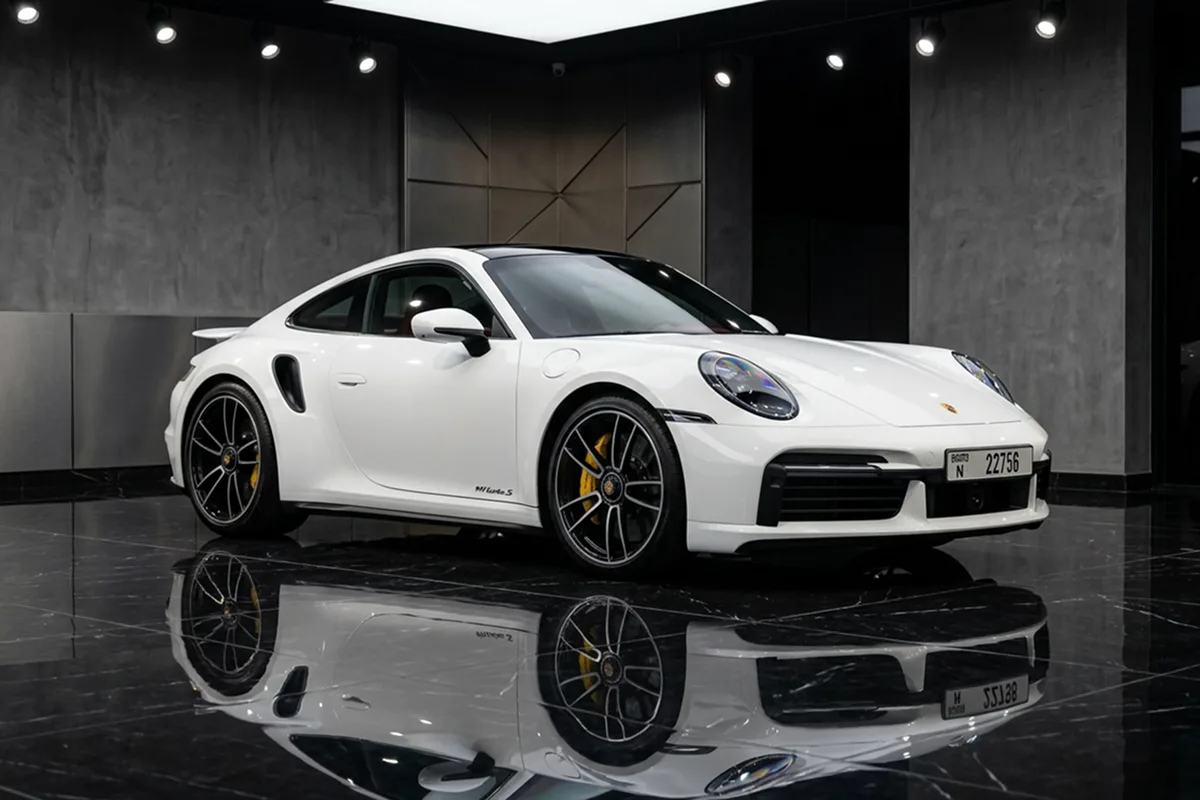
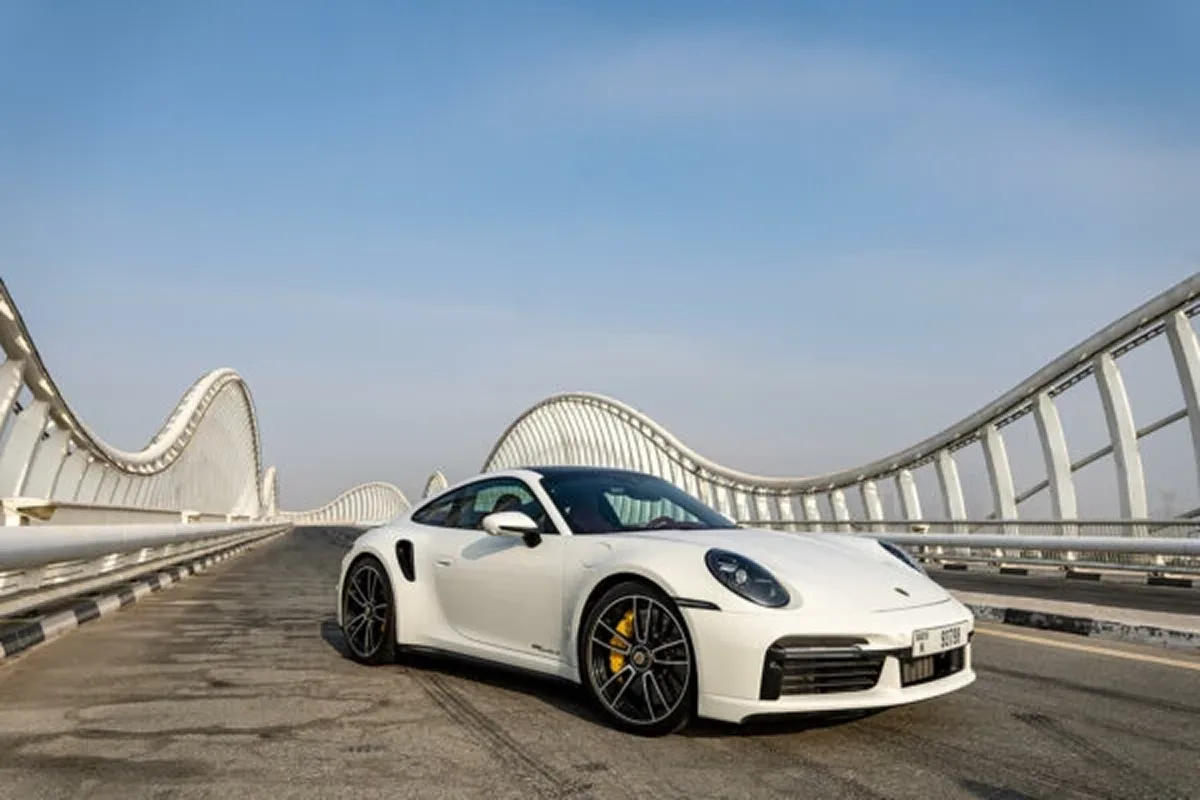
Car AI: Modify, Tune & Design lets car enthusiasts preview photorealistic mods — paint, rims, body kits and wraps — on a photo of their own car before spending money at the shop. Upload a photo and instantly preview new rims, paint colors, wraps, body kits, tint, spoilers and cinematic AI videos.
Free to try · No design skills · Available on iOS
Why Car AI
Why car enthusiasts choose Car AI
Preview before spending
See paint, rims, wraps and body kits on your own car before paying a shop.
Built for real car photos
Designed to preserve your car's shape, angle and style while applying mods.
More than static edits
Create AI car videos, cinematic wallpapers and community builds — not just photo tweaks.
Fast on iPhone
Upload a photo, choose a mod, generate and save in seconds. No design skills needed.
Car Mods
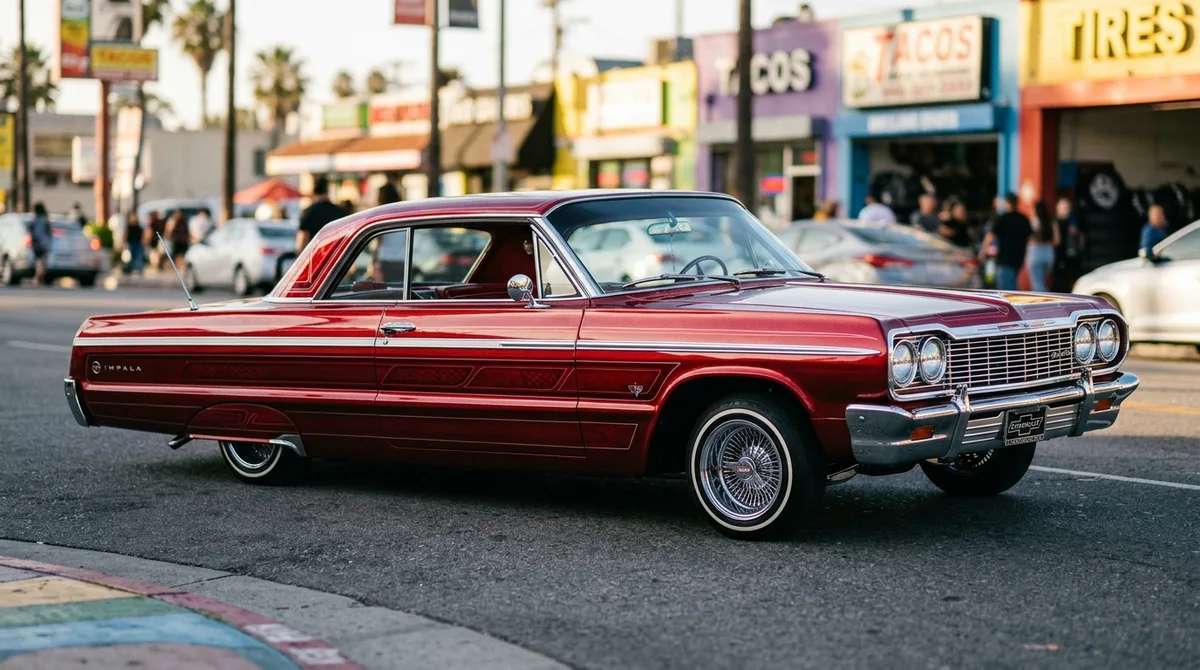
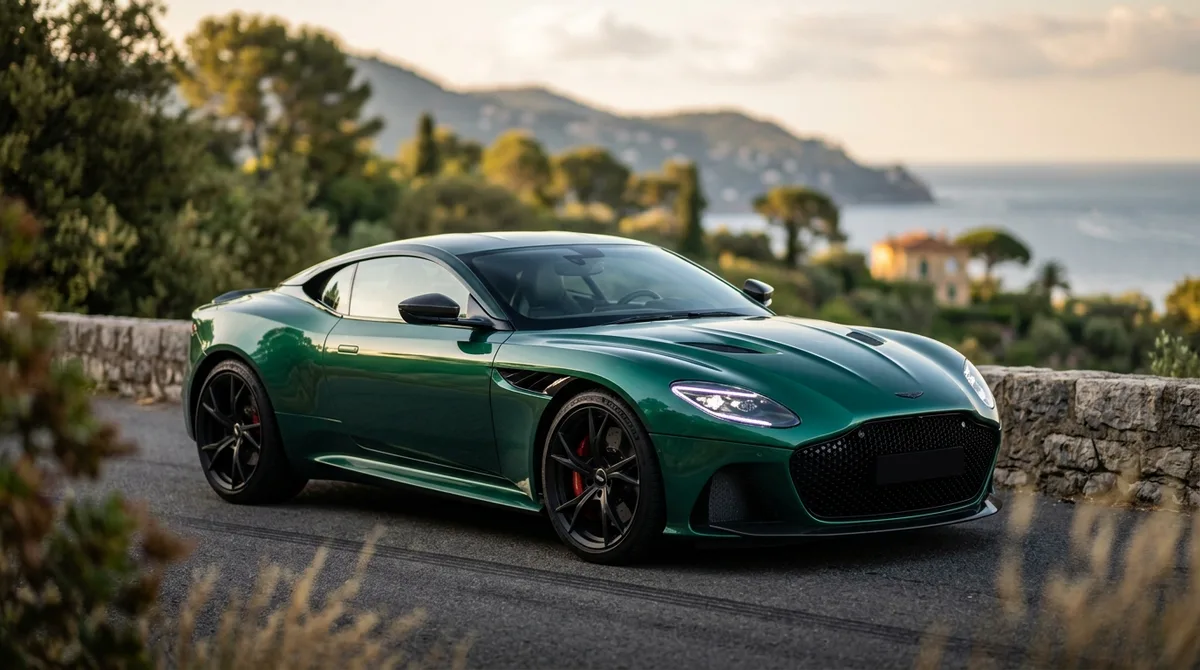
Every mod, previewed on your own car
Pick a mod, and Car AI applies it to your photo photorealistically — so you can see the result before spending a cent at the shop.
Paint & Color
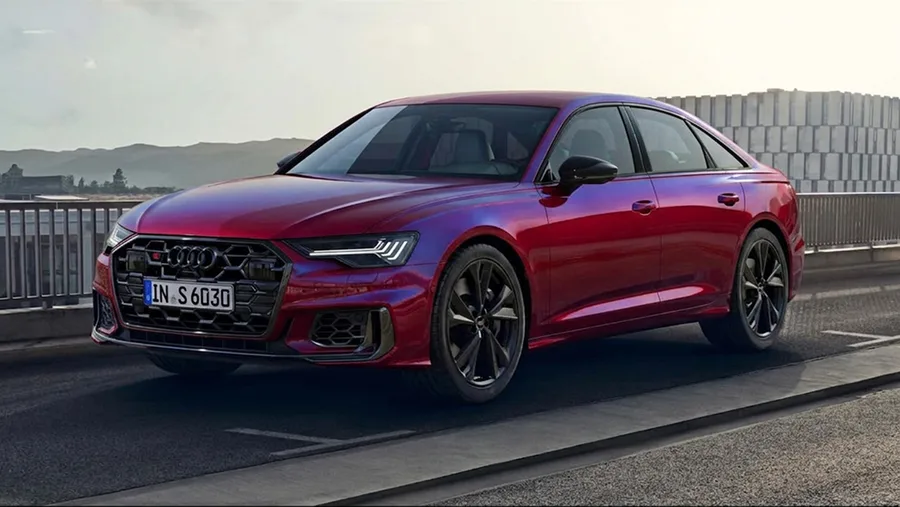
Try any color or finish instantly.
Wheels & Rims
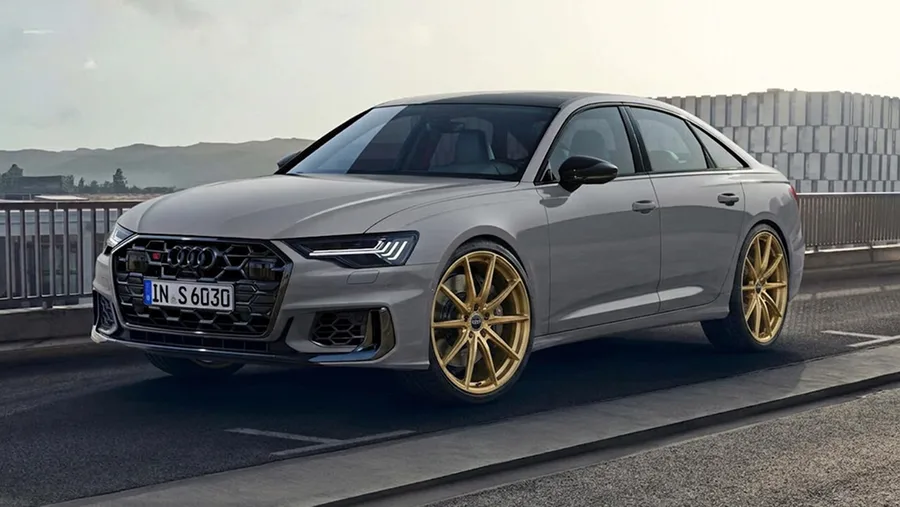
Swap rims and see the fit.
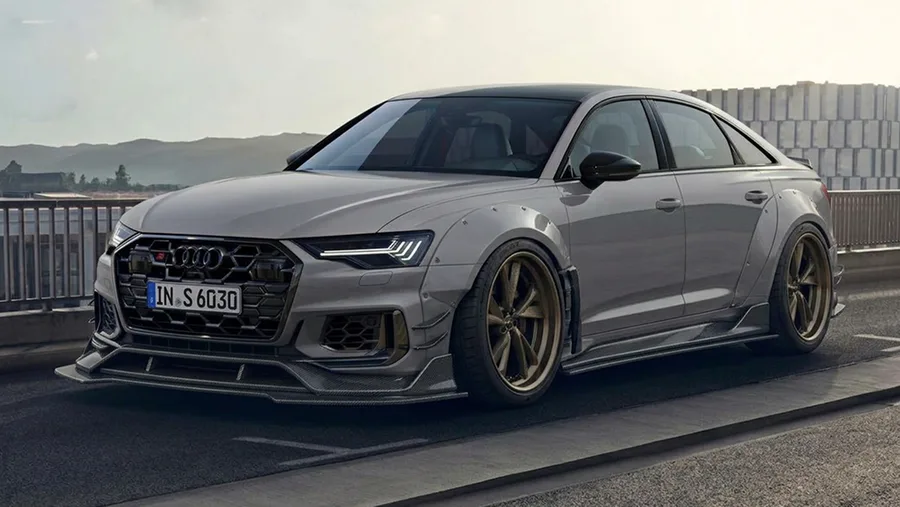
Body Kits
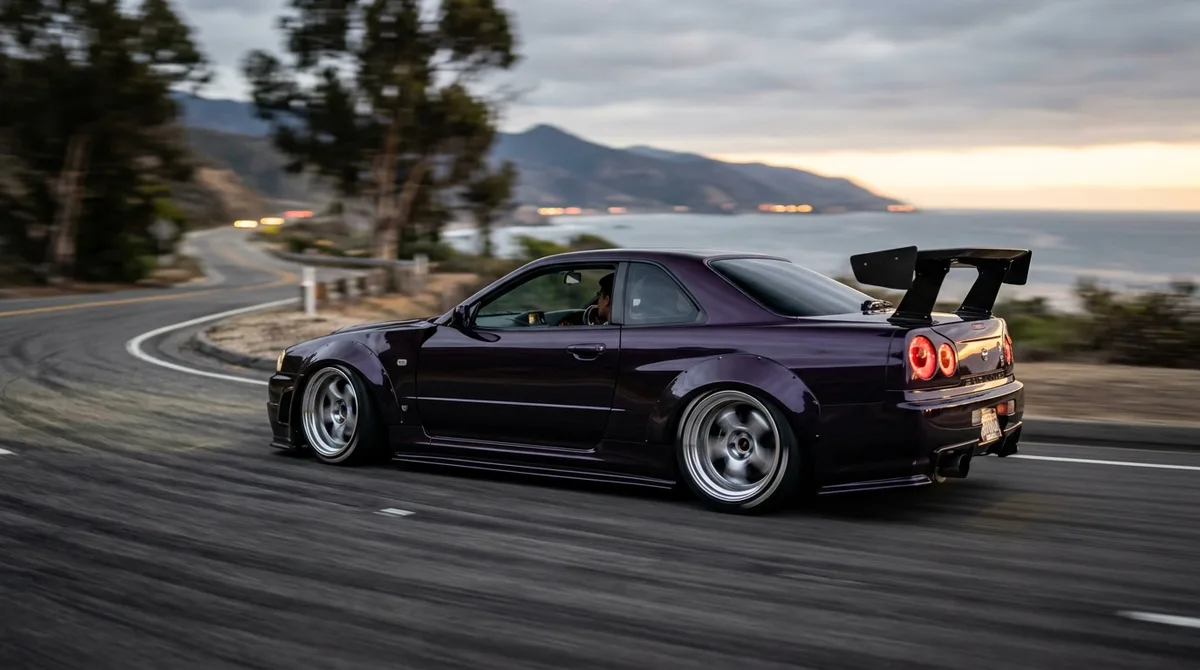
Add widebody and aero kits.
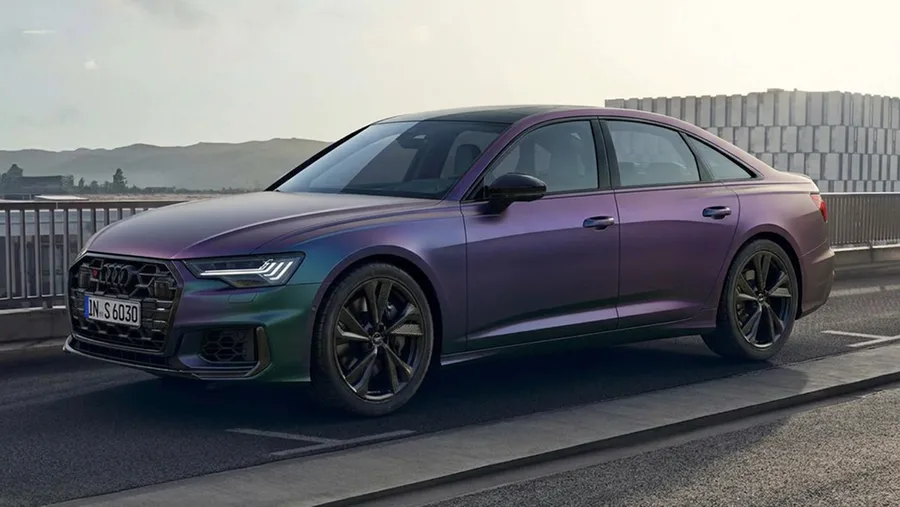
Vinyl Wraps
Preview wraps and liveries.
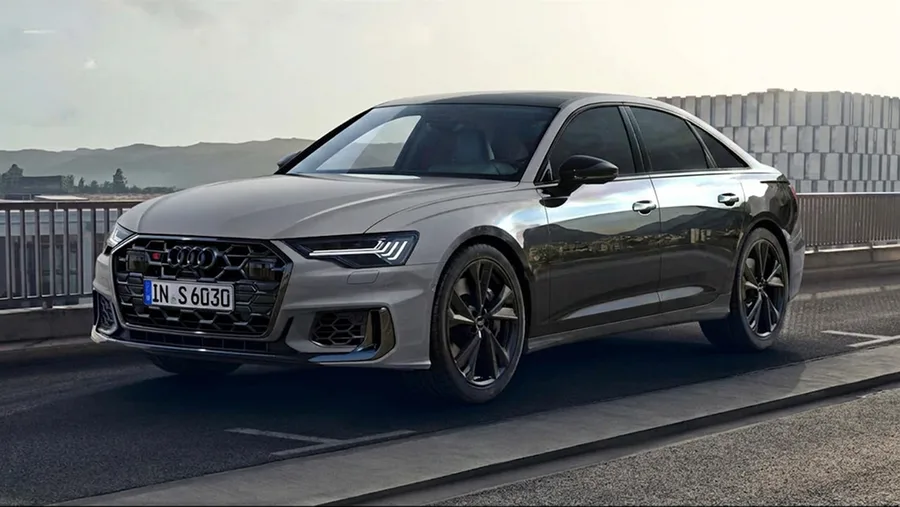
Window Tint
Compare tint darkness levels.
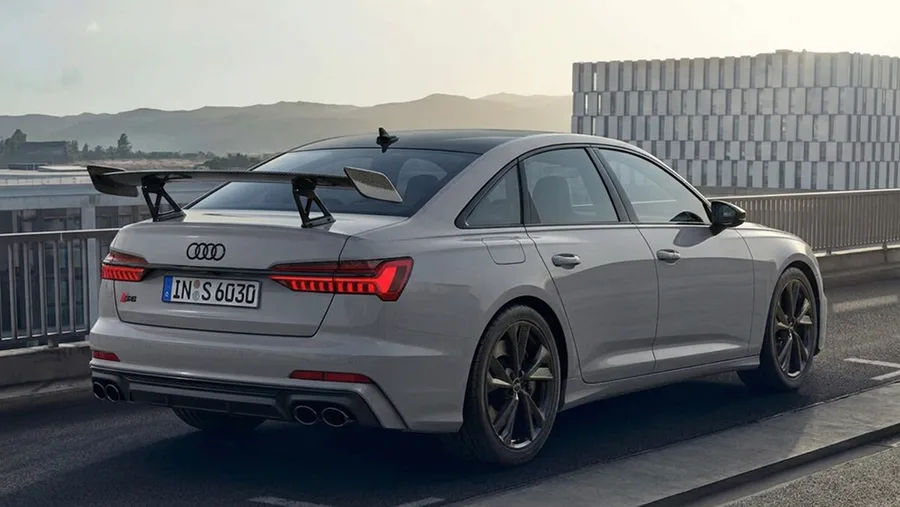
Spoilers
Add wings and lip spoilers.
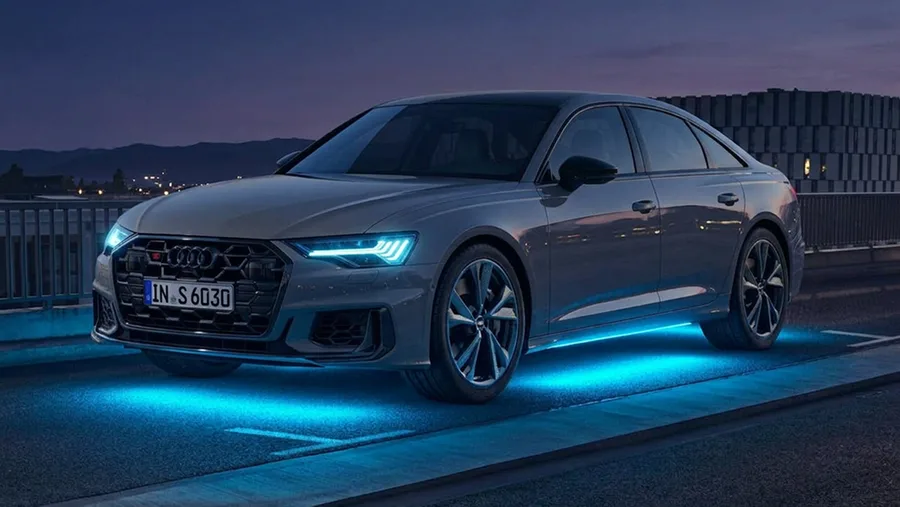
LED & Headlights
Upgrade lights and underglow.
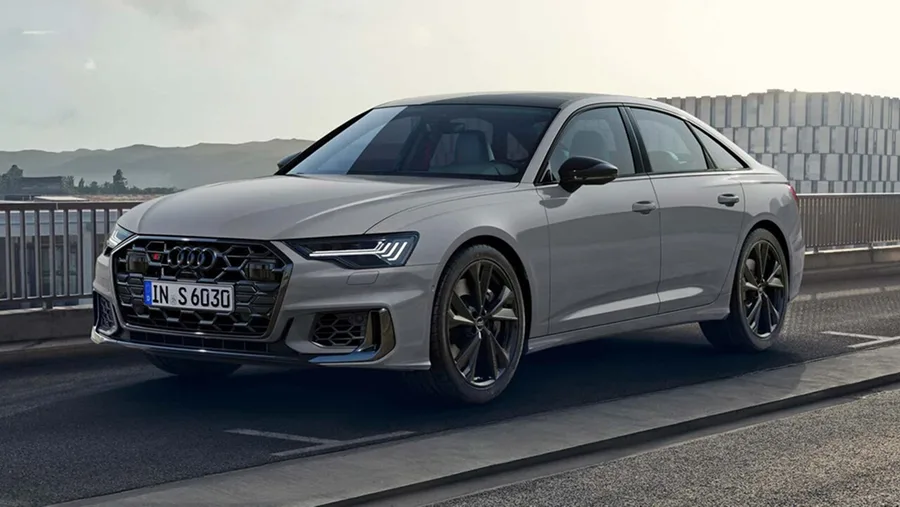
Photo Enhance
Sharpen and clean up any shot.





How it works
From photo to dream build in three steps
No editing skills required — Car AI does the heavy lifting.
- 1
Upload a photo
Snap or pick any photo of your car. A clear side or 3/4 angle works best.
- 2
Choose a mod or style
Select a preset, a full style theme, or describe exactly what you want.
- 3
Get photorealistic results
Car AI generates your modified car in seconds. Save it, share it, or try another look.
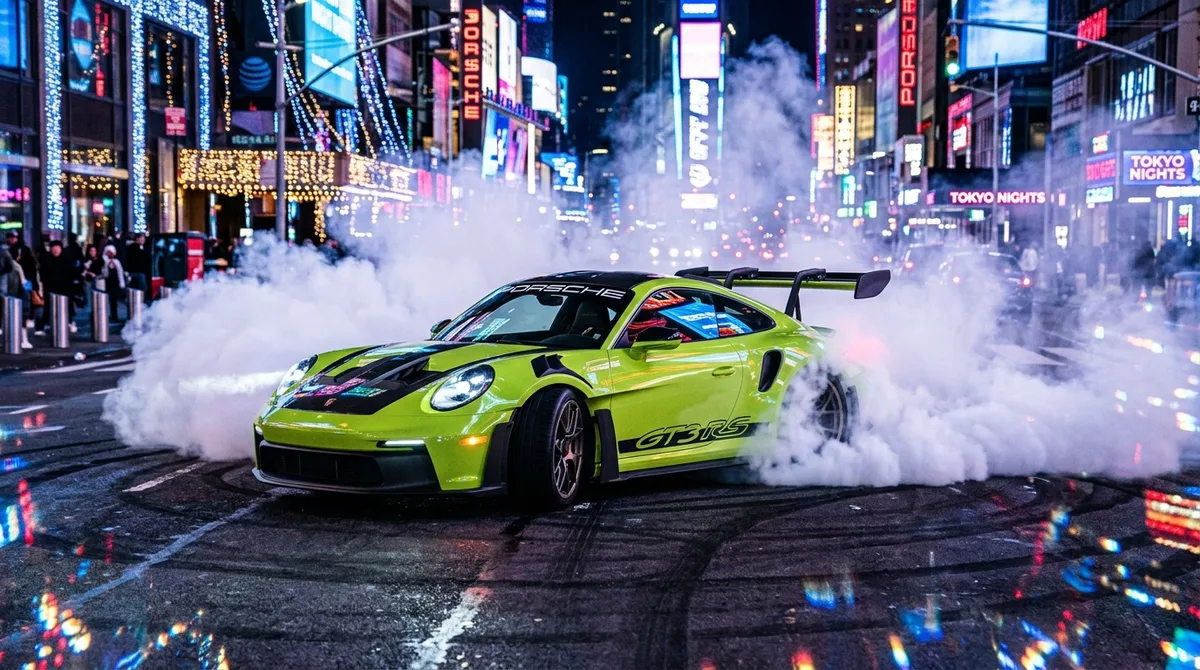
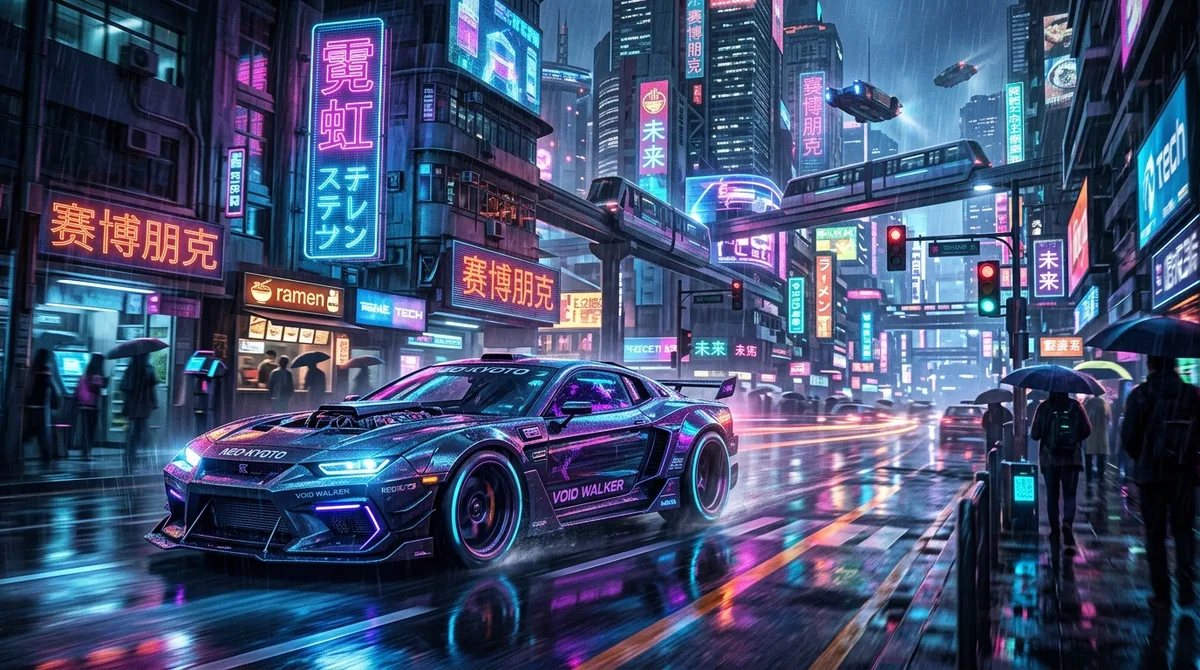

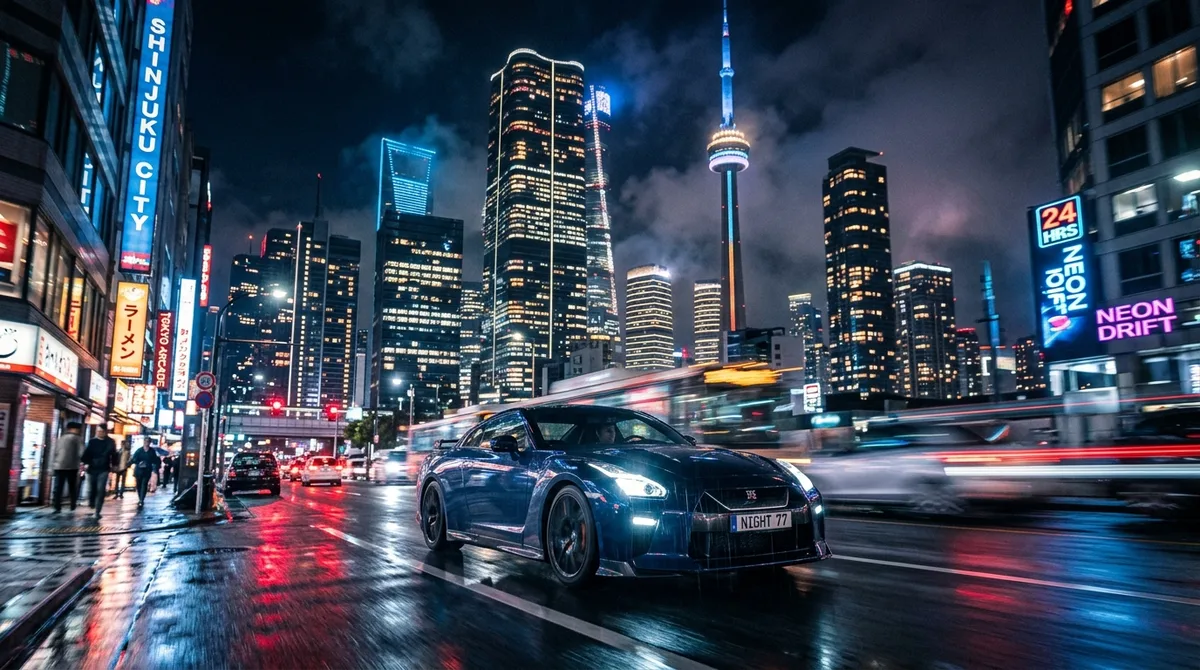
Wallpaper Maker
Put your car in cinematic scenes
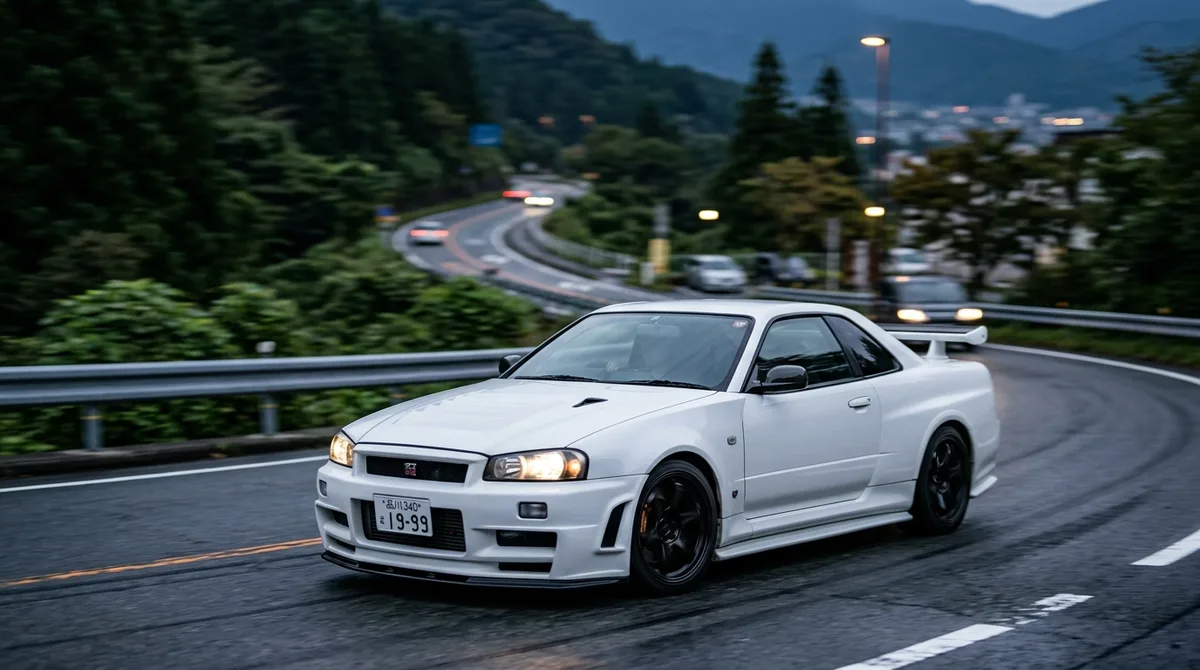
Place your car in 22 movie-grade scenes — golden hour, neon city, coastal cliffs and more — built for lock screens and posters. Choose the scene, time of day and weather.
Explore the Wallpaper MakerMore ways to create
Beyond photos
Frequently asked questions
Everything you need to know about modifying your car with AI.
What is Car AI?
Car AI: Modify, Tune & Design is an AI-powered car customization app for iOS. You upload a photo of your car and it previews photorealistic modifications — paint, rims, body kits, wraps, tint and more — plus cinematic wallpapers and AI videos, in seconds.
How realistic are the results?
Results are photorealistic previews generated by our advanced AI image model. They're designed to show what a mod could look like on your specific car, not to serve as exact engineering renders.
Do I need any design or editing skills?
No. Just upload a photo and pick a mod, style or scene — Car AI handles the rest. A clear side or three-quarter photo of your car gives the best results.
Is Car AI free?
Car AI is free to download and try. Premium unlocks unlimited generations, all styles and priority processing for $14.99/month after a 3-day free trial, with credit packs available for AI video.
Which devices are supported?
Car AI is available on iPhone and iPad via the App Store, in 34 languages. Download it and start with a photo of your own car.
What car enthusiasts say
Rated 4.5 out of 5 on the App Store. Here's what people love about Car AI.
“I was about to drop $3,500 on a satin green wrap. I tried it in Car AI first, hated it on my car, and landed on Nardo gray instead. It genuinely saved me from an expensive mistake.”
“Being able to see bronze vs gunmetal vs gloss black on my actual wheels — not a stock photo — made the decision obvious in about two minutes. Wish I'd had this for my last three builds.”
“I run a car page and needed content fast. Turning a single photo into a cinematic clip for Reels is the feature I didn't know I needed. Posted three this week.”
“Used the widebody preview to show my fabricator exactly what I wanted. The proportions looked spot-on to my car, and the conversation with the shop was so much easier with a real reference.”
“What sold me is that it keeps my car looking like MY car. Other AI tools reshaped the whole thing; this one just changed the paint and kept every detail. Very impressed.”
“No editing skills, no problem. Upload, tap a style, done. The JDM and stance presets are ridiculously good, and I've lost hours just trying combinations on my Civic.”
Ready to modify your car?
Join a global community of car enthusiasts building their dream rides with AI.
Car AI: Modify, Tune & Design · Free to try on iOS